
Android
Ginkgo
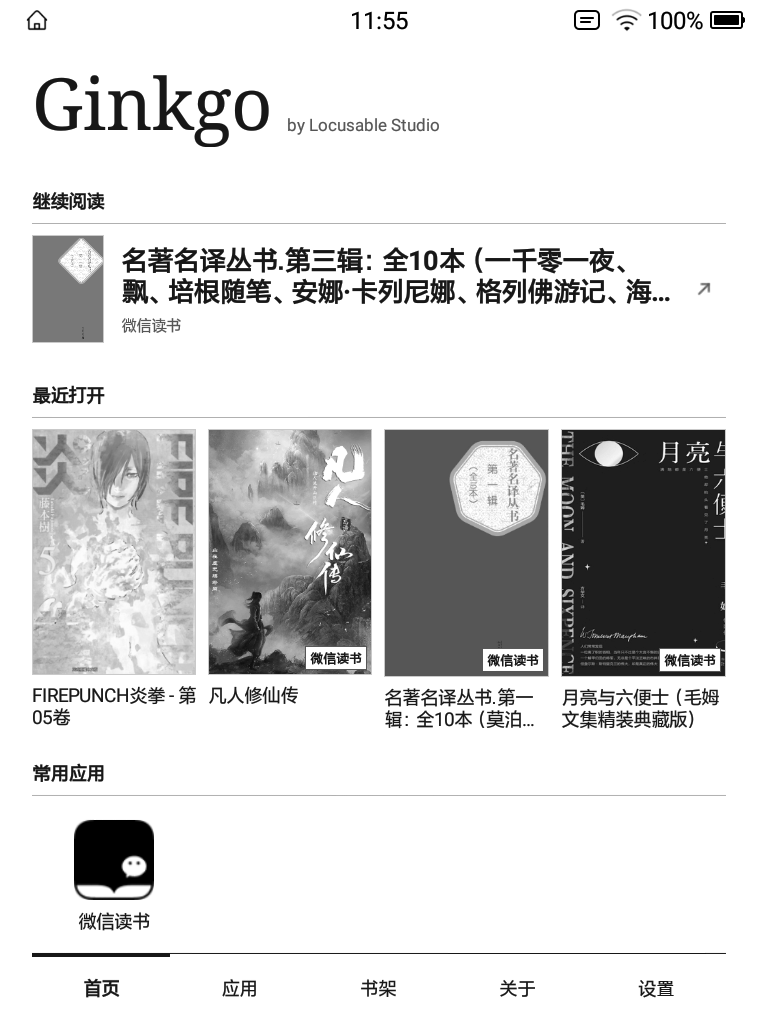
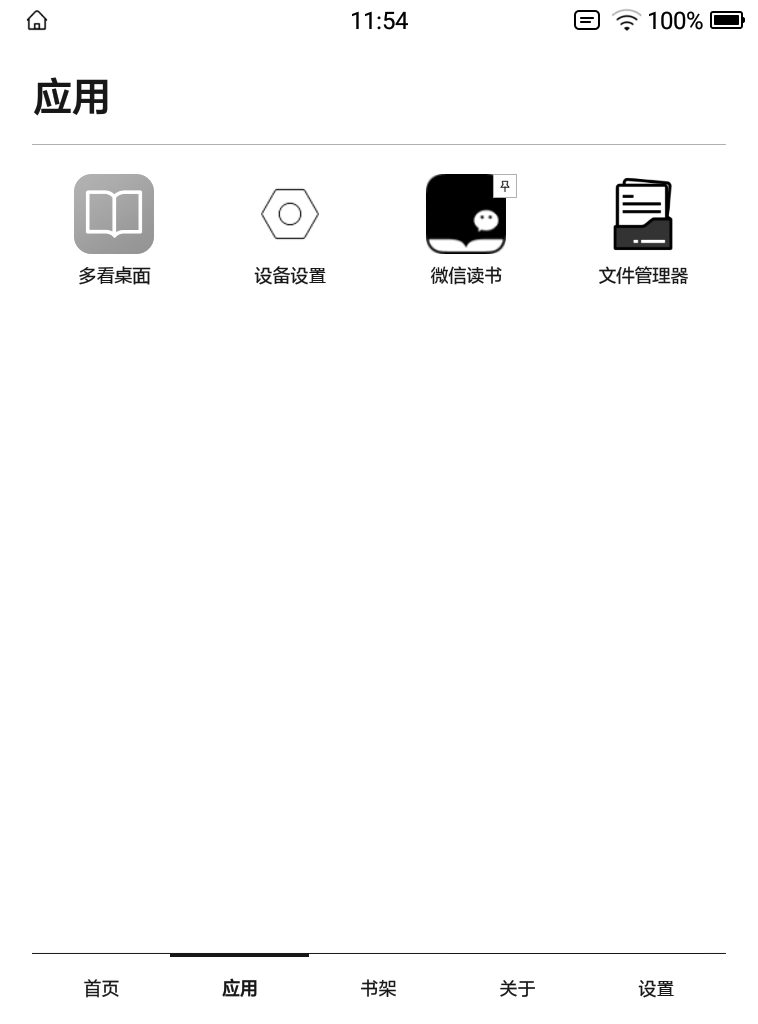
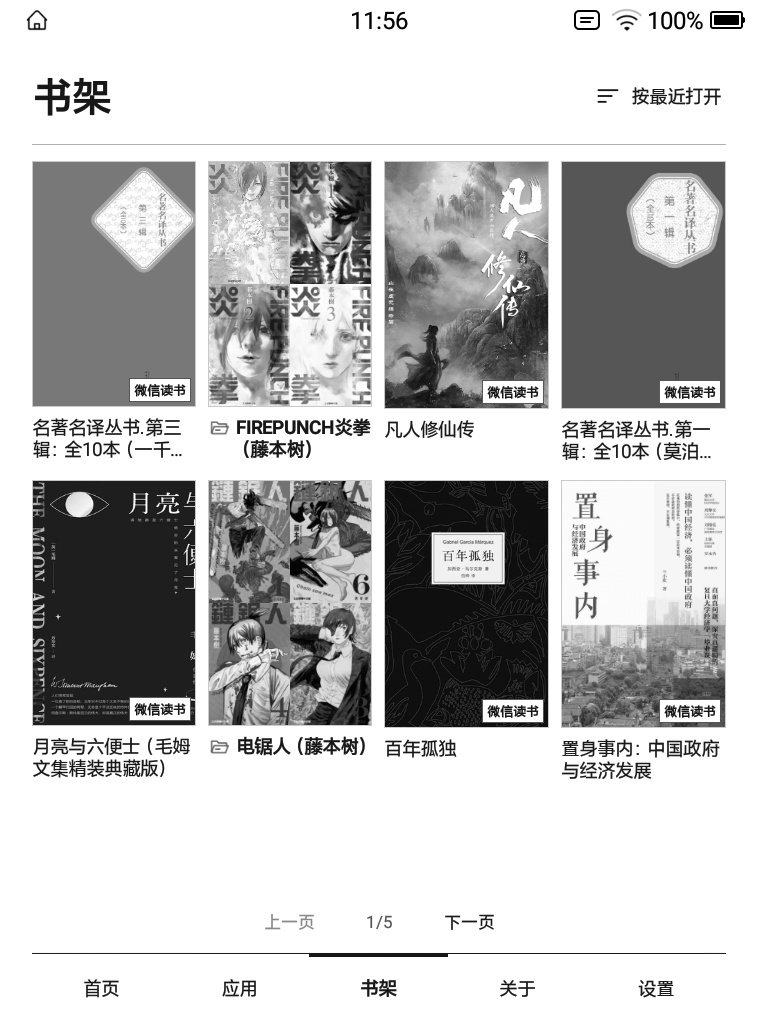
An e-ink launcher for the first-generation Xiaomi MiReader (Android 8.1). Ginkgo brings local and WeRead books into one shelf. Tapping a book opens the original reading app via a deep link.
Home, apps, and bookshelf
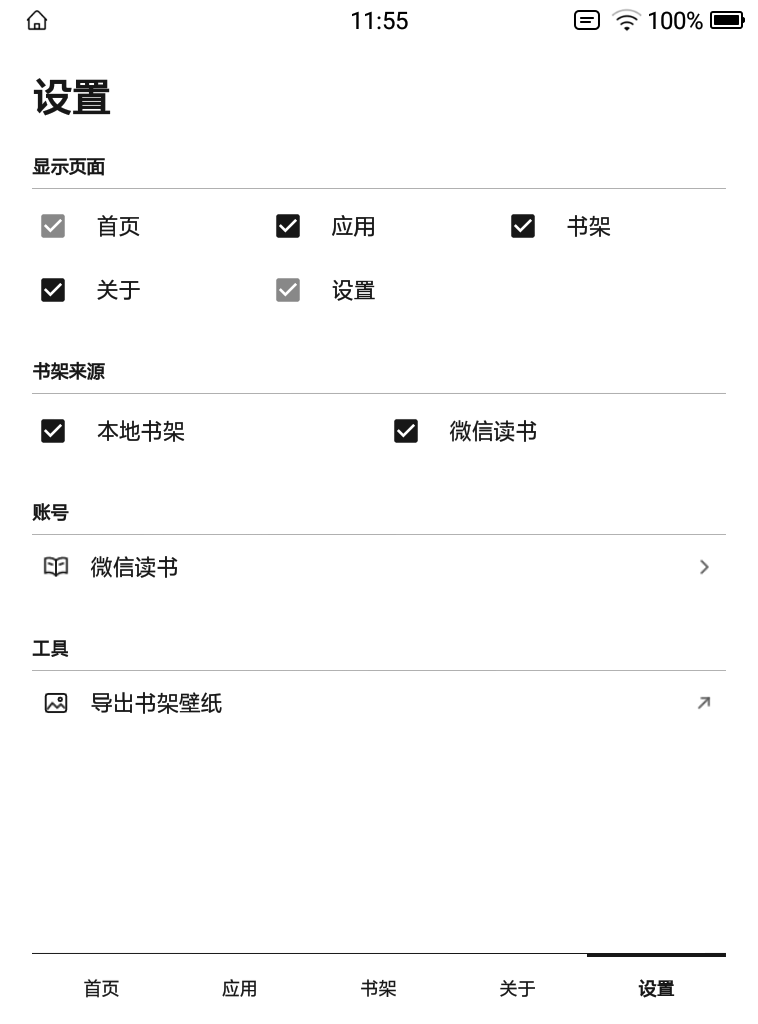
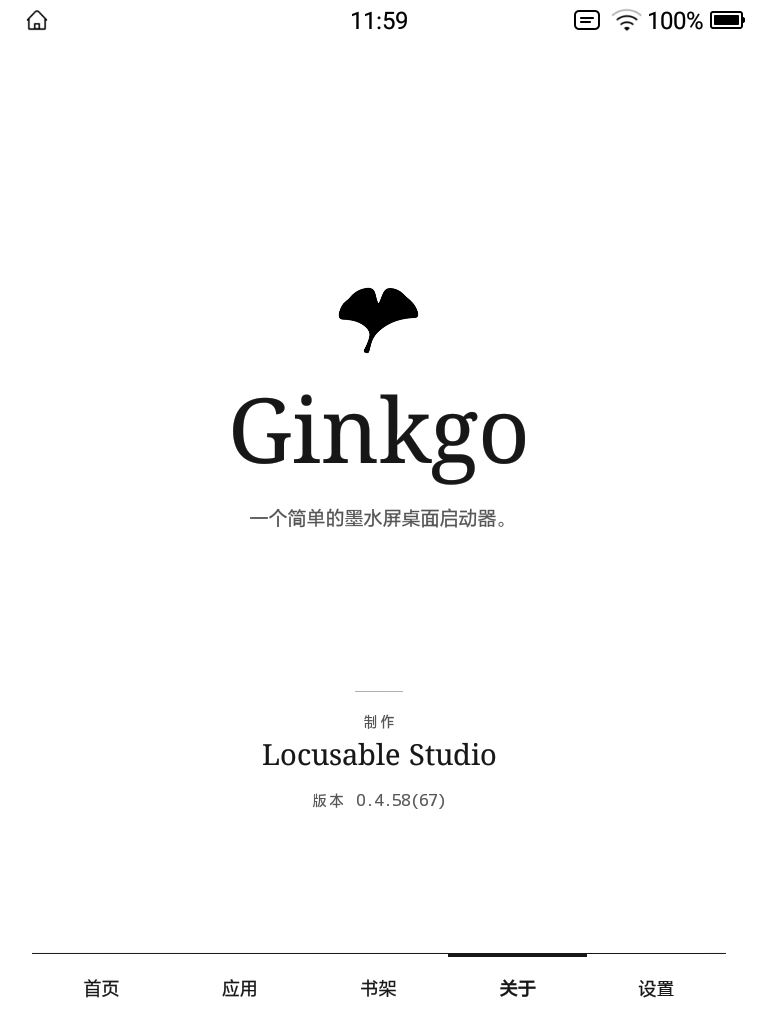
Settings, about, and cover wallpaper

Duokan
Ginkgo shows books from Books/ and passes only the book ID to Duokan. After copying new books, open Duokan Desktop → Bookshelf to refresh the shelf. Ginkgo may list a new book before Duokan indexes it, but its deep link will not work until the book is indexed.
WeRead
Sign in under Settings → Account → WeRead in Ginkgo to sync your shelf. Sign in separately in the WeRead e-ink app to read. Signing in to one does not sign you in to the other.
FAQ
What do I need to run Ginkgo?
A first-generation Xiaomi MiReader running Android 8.1.
How do I install Ginkgo?
Install the Ginkgo APK, then select Ginkgo when prompted to choose a launcher.